Adding a reconstituted vial
This guide adds a vial that is already mixed and ready to draw from. If your vial is still powder that you mix yourself, follow the powder guide instead.
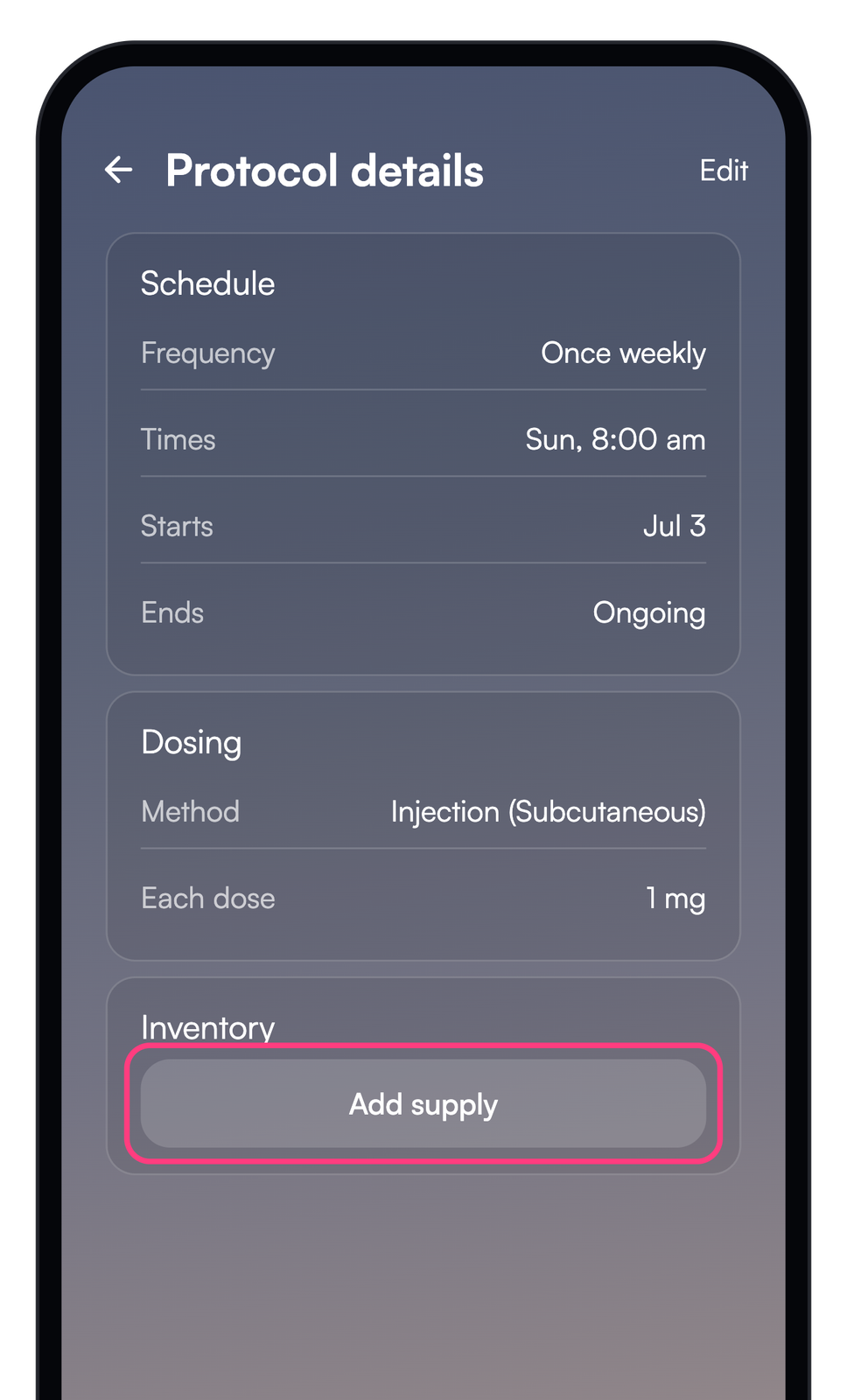
Open the protocol and tap "Add supply"
Open the protocol you want to stock.
Scroll to the "Inventory" section and tap "Add supply".
Choose the supply type
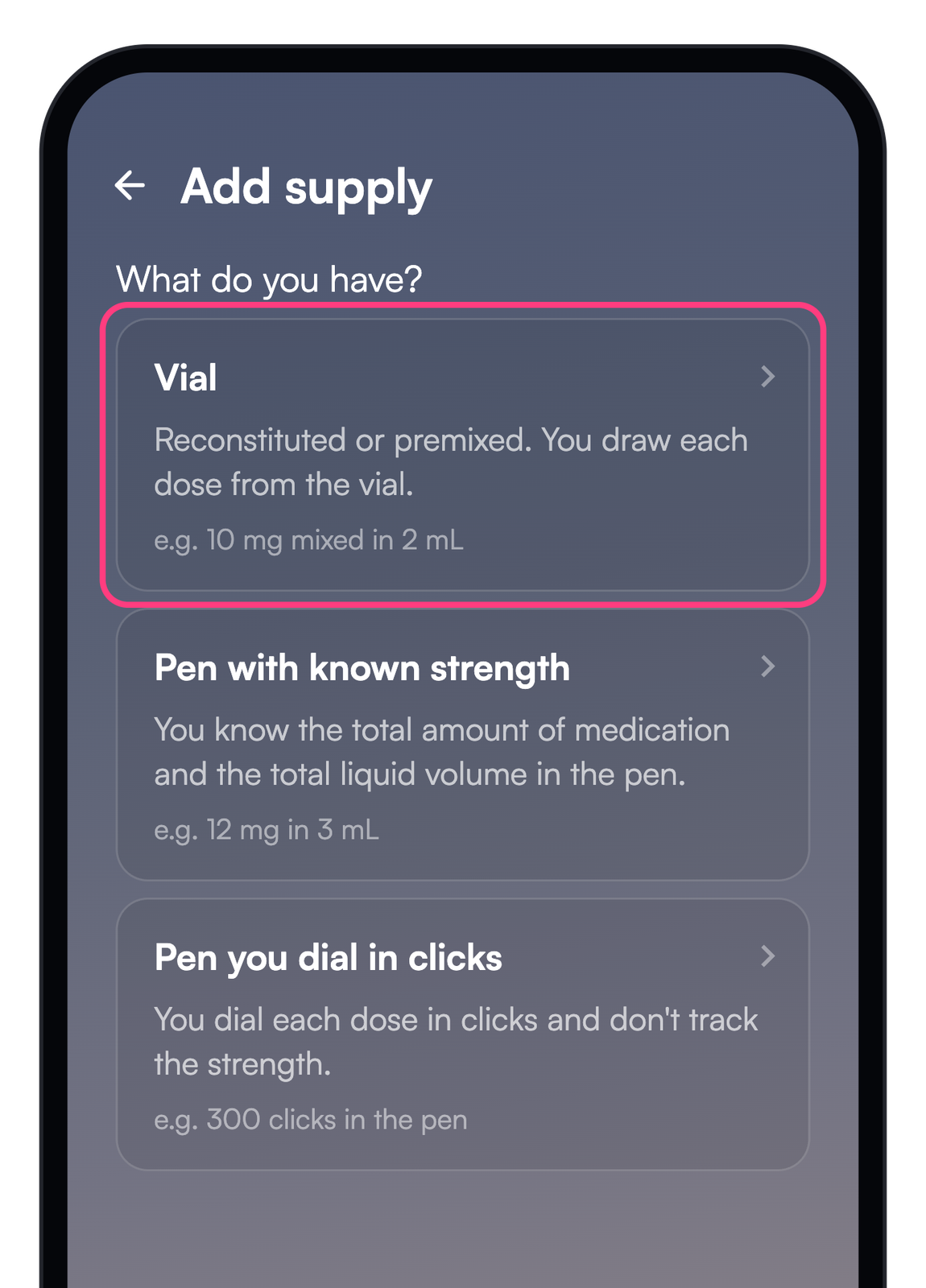
Choose the kind of supply you are adding.
This guide covers a reconstituted vial. Tap "Vial".
Confirm it is ready to use
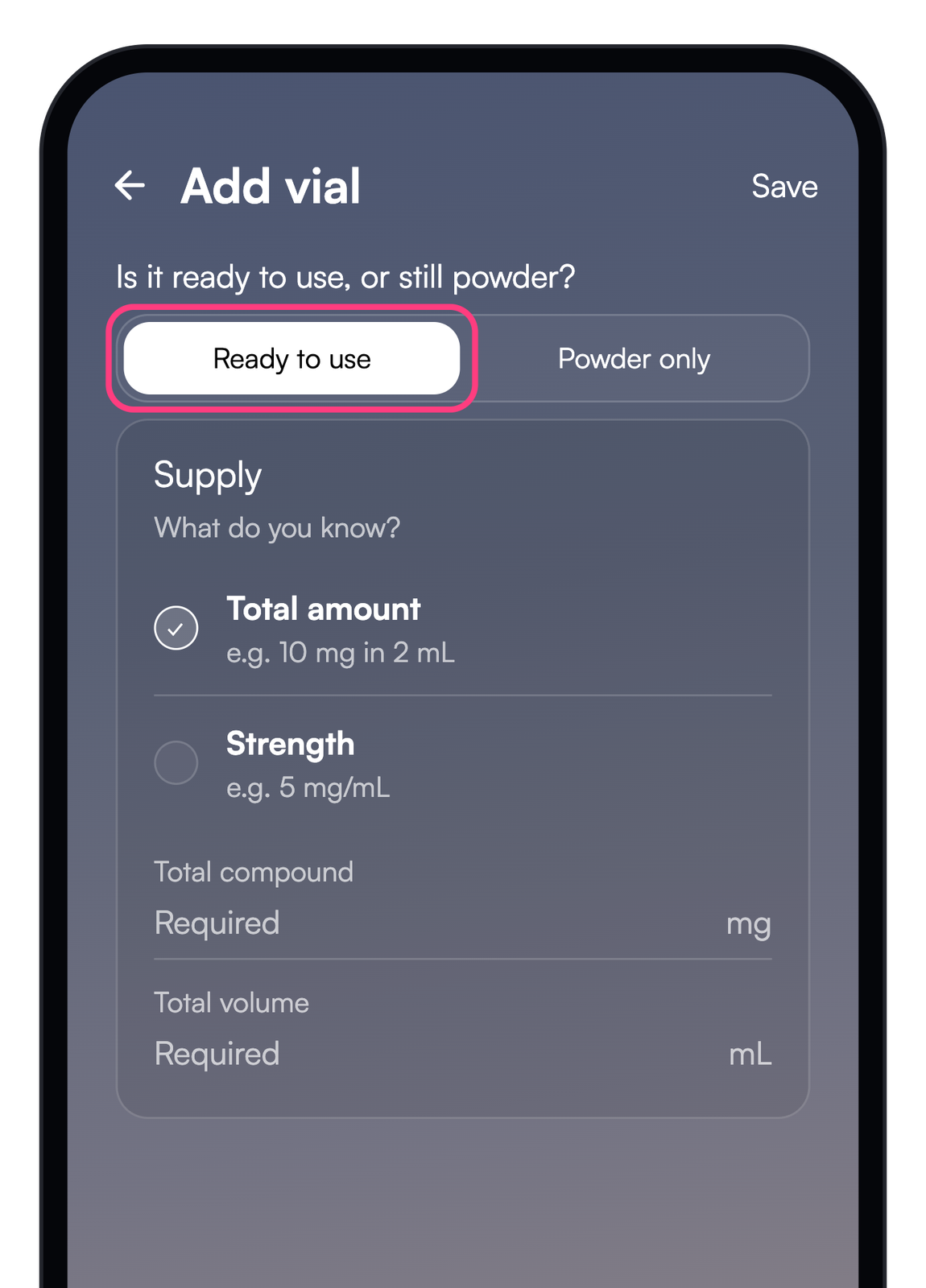
A reconstituted vial is already mixed. Keep "Ready to use" selected.
Powder that you still need to mix has its own guide.
Enter the total amount
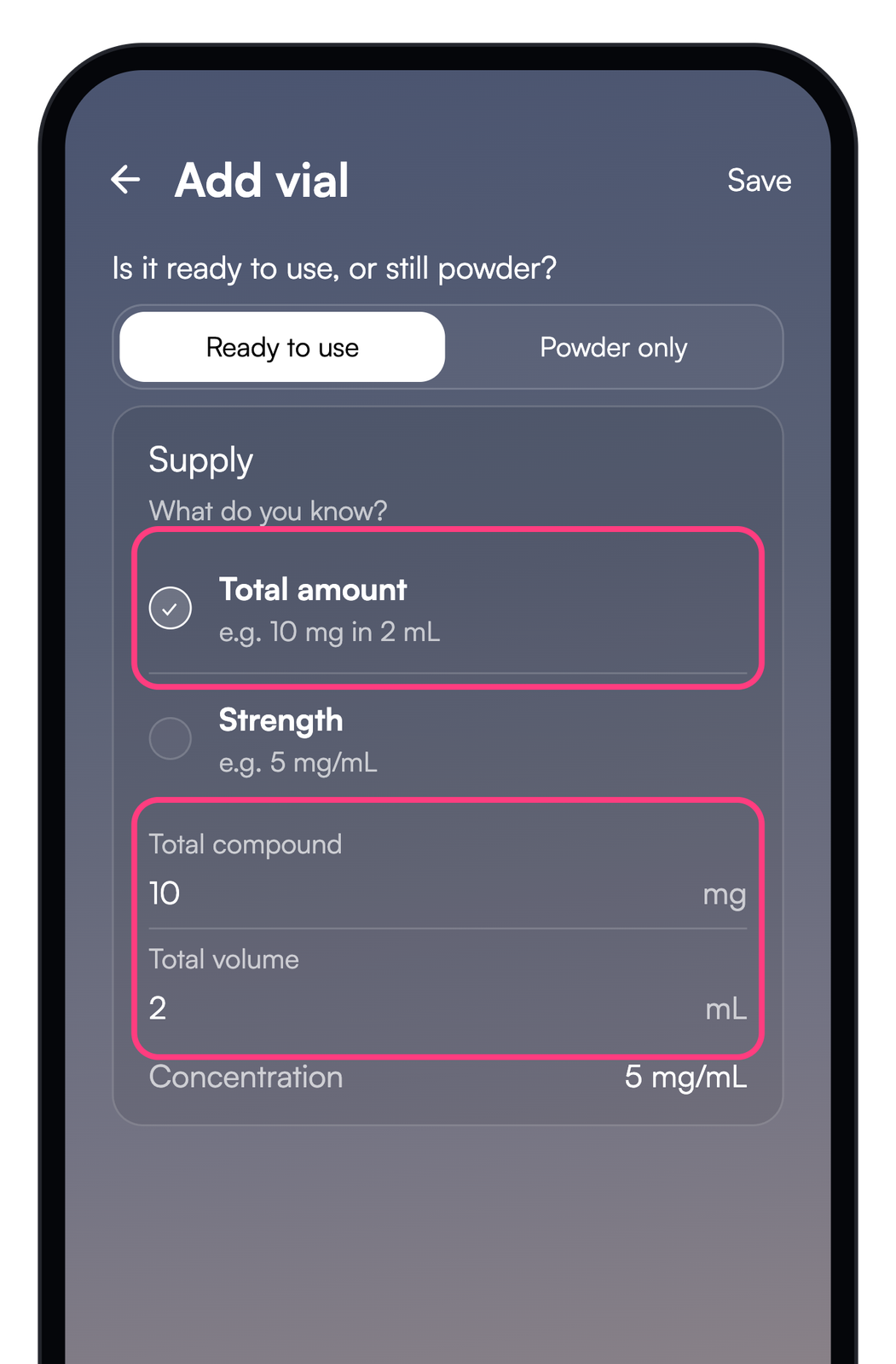
"Total amount" describes the whole vial. Enter the total powder in the vial and the total liquid it is mixed into, not a single dose.
A 10 mg vial mixed into 2 mL is 10 mg and 2 mL. The app divides them into a concentration of 5 mg/mL, and that concentration is what it uses to measure every dose.
See it as a strength
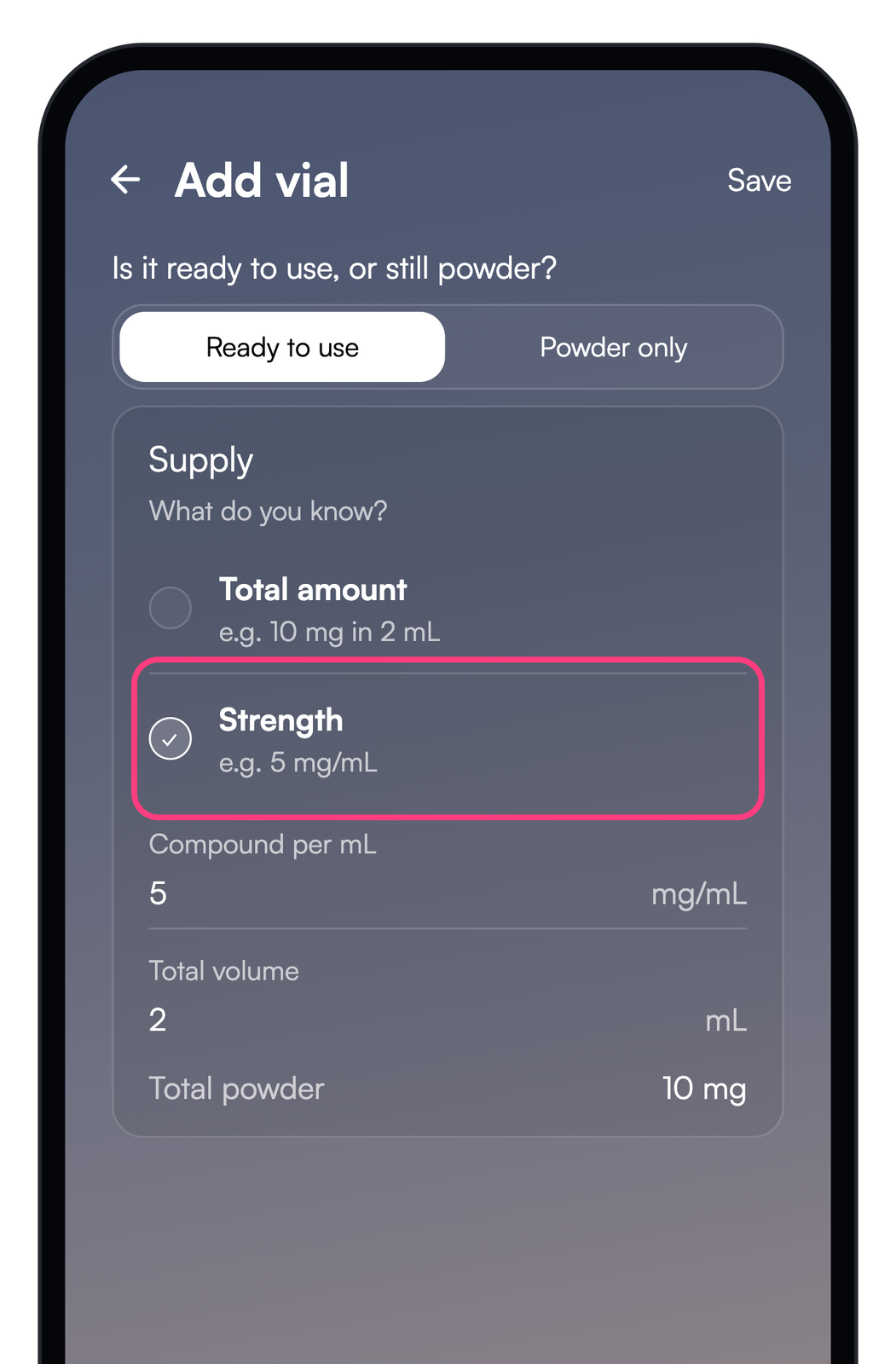
"Strength" is the same vial written as a concentration. If your label already gives a figure like 5 mg/mL, choose "Strength" and enter it directly.
5 mg/mL across 2 mL works out to 10 mg of powder, the same vial as the "Total amount" above. Use whichever figure your label shows.
Set the draw guide
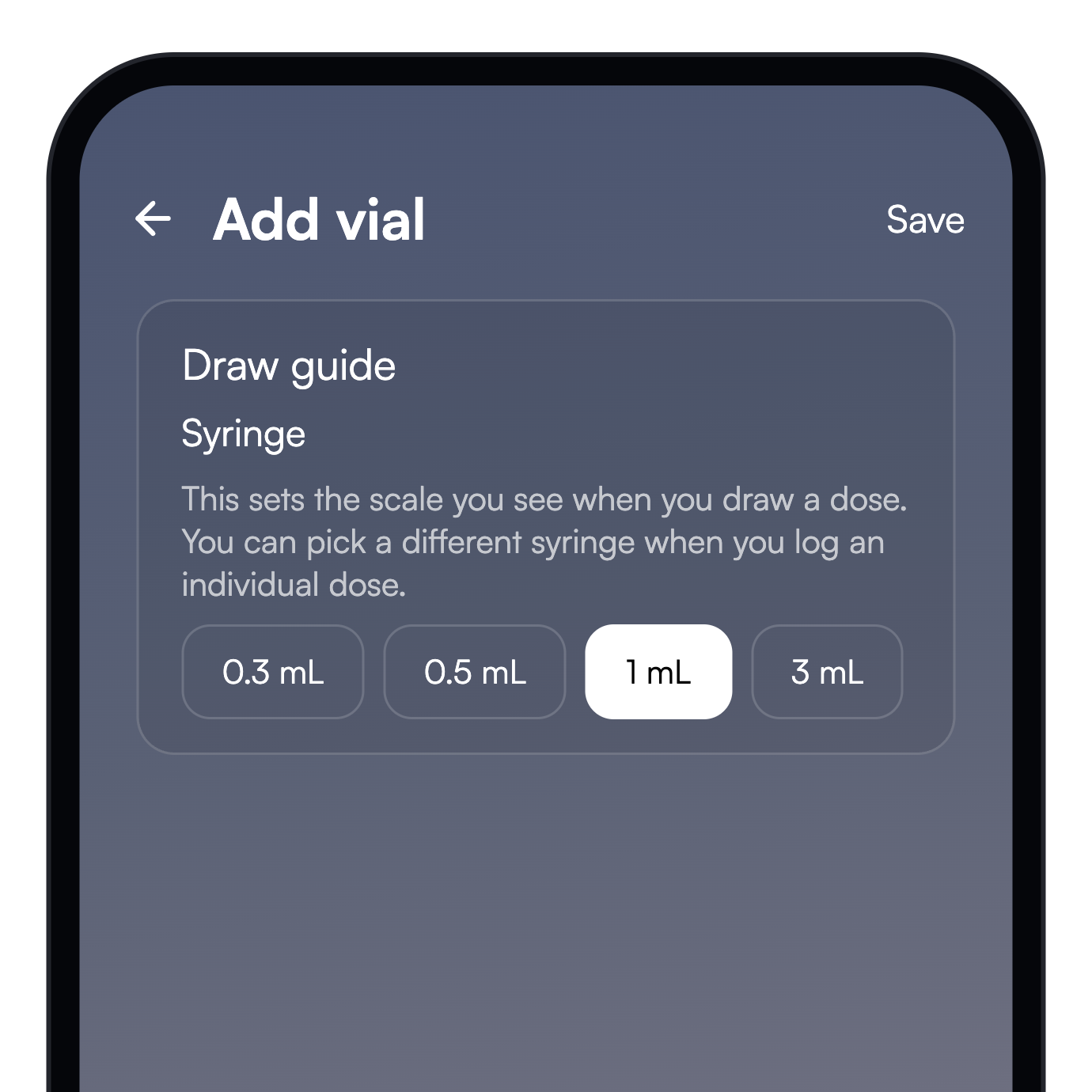
The "Draw guide" sets the syringe scale you see when you draw a dose.
It is only a visual aid and does not change the dose you log. Pick the syringe you actually use.
Add any optional details
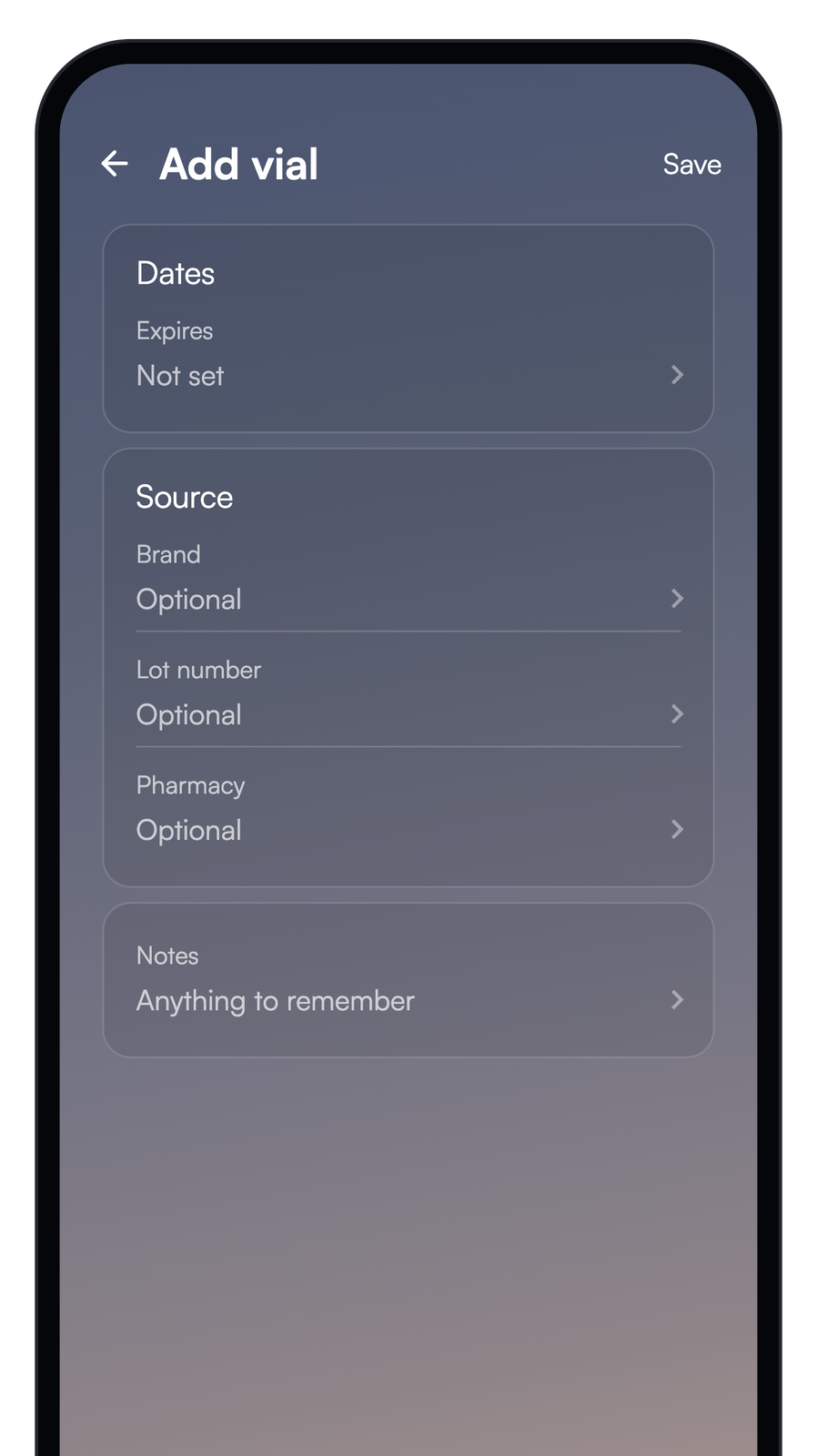
The remaining fields are optional.
You can set "Expires", "Brand", "Lot number", "Pharmacy", and "Notes". Tap "Save" when you are done.